

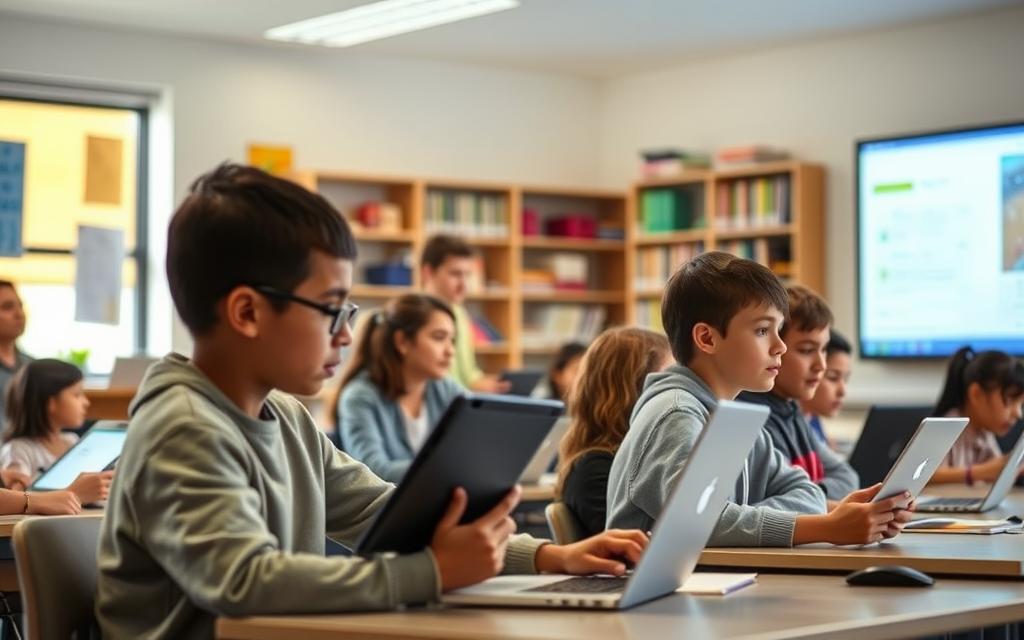
Modern education has changed a lot thanks to digital tools. Educational technology has made old teaching methods better. It’s now used all over the world.
Australia’s Digital Education Revolution shows this big change. They spent over $2 billion on digital tools for schools. This shows how much they believe in technology in schools.
Real learning is more than just using devices. It’s about really understanding and connecting with what you’re learning. When done right, it helps students do better.
This article looks at how classroom technology makes learning fun and interactive. We’ll see how EdTech helps make education better today.
The Evolution of Technology in Education
Educational technology has changed a lot over the years. It has moved from simple aids to complex digital systems. This change shows how society has evolved and how technology has made learning better.
Historical Context of Educational Tools
The story of educational technology started long before computers. Early tools included slates, chalkboards, and books. These tools changed how we share knowledge.
In the 20th century, film projectors and educational TV came along. These tools made learning more visual and engaging. They built on earlier technologies, leading to today’s digital classrooms.
The 1980s were a big change with the arrival of personal computers in schools. This was when we first talked about learning with computers. Educational software then offered new ways to learn and practice skills.
Related Posts:
- Does Technology Have a Negative Effect on Our Lives…

- How Technology Changed the Car Industry From EVs to…

- What Is Flow Technology Optimizing Processes and Systems

- How to Know Technology A Guide to Understanding Tech Trends

- What Is Clean Coal Technology Designed to Do…

- How Technology Can Help Solve Climate Change…

Modern Technological Integration
The 21st century saw a big leap in education technology. The internet became key for learning. It brought real-time info and new ways to work together.
In Australia, computer and internet access at home grew fast. By 2013, almost all students had access to computers and the internet at home. This was a huge change.
Government support was key in this change. The Digital Education Revolution program helped schools get computers and software. It aimed to improve students’ ICT skills for better learning and future jobs.
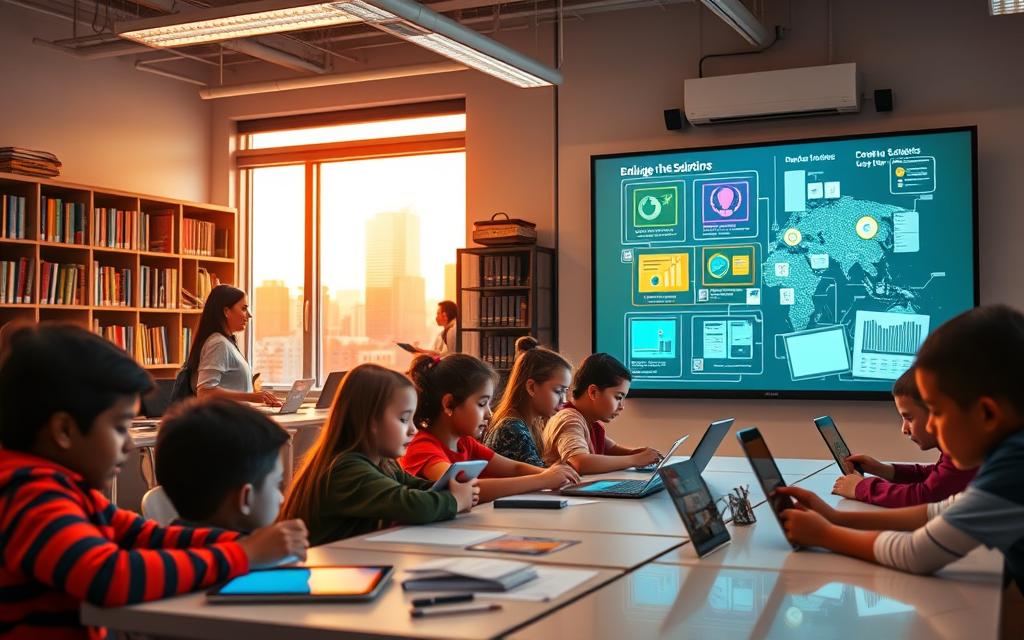
Today, classrooms use interactive boards, tablets, and online learning platforms. This is the result of years of teaching evolution. Now, technology is a big part of learning, not just a tool.
Now, we see new tech like adaptive learning, virtual reality, and AI. These tools make learning personal and fun. They show the latest steps in education’s tech journey.
How Technology Benefits Students Through Personalised Learning
The digital revolution has changed education. Now, students can learn in ways that fit their needs. Unlike old classroom methods, technology lets learning adapt to each student’s pace and style.
Adaptive Learning Software
Adaptive learning platforms use smart algorithms for dynamic learning. They adjust content based on how students do. This makes learning more effective for everyone.
Examples: Khan Academy and Duolingo
Khan Academy and Duolingo show how adaptive tech works. Khan Academy finds where students need help and offers practice. Duolingo adjusts language lessons based on how well you do.
Both use games and scores to keep students interested. This method helps students get better at what they’re learning.
Benefits of Customised Pacing
Customised pacing lets students learn at their own speed. Fast learners can move ahead, and slow learners get extra help. This makes learning less stressful and more rewarding.
Students build a strong base before tackling harder topics. This leads to better learning in the long run.
Data-Driven Insights for Educators
Technology gives teachers a new view into how students learn. Machine learning spots patterns and challenges that might be missed in class.
Tracking Student Progress
Today’s learning platforms track how students do. Teachers see how much time students spend on tasks and what they’re good at. This helps teachers help students better.
These systems warn teachers about problems early. This means students can get help right when they need it. It’s a better way to check on learning than big tests.
Informing Instructional Strategies
Analytics change how teachers teach. They show which methods work best for different students. This lets teachers tailor their teaching to what works best.
Teachers can personalise their teaching based on real data. This is a big step forward in personalised education.
Adaptive software and detailed analytics create a cycle of improvement. Students get learning that fits them, and teachers get to make their teaching even better.
Enhancing Student Engagement with Interactive Tools
Interactive technologies have changed how students learn. They turn passive learning into active experiences. Students now engage more than just listening.
Studies show that interactive learning boosts knowledge and grades. Students learn more and remember it longer when they’re involved.
Gamification in Learning
Gamified education uses game design in schools. It makes learning fun and competitive. This approach helps students learn better.
Platforms like Classcraft and Kahoot!
Classcraft and Kahoot! lead in gamified education. They turn lessons into games. Students compete and learn on their devices.
Kahoot! quizzes give instant feedback. Classcraft uses game mechanics for classroom management.
Increasing Motivation and Participation
97% of students find gamified learning more fun. The competition and feedback boost student motivation and class participation.
https://www.youtube.com/watch?v=vQ8sl26NhfU
These tools make learning fun like a game. They keep students interested in lessons.
Multimedia and Visual Learning Aids
Modern multimedia learning tools use different media for various learning styles. They help visual and auditory learners.
Use of Videos and Simulations
Videos and simulations make complex topics easy to understand. They show processes in a way textbooks can’t.
Science uses molecular simulations to explain reactions. History lessons use documentaries for context. These tools engage visual learners.
Virtual Reality in Education
VR education is the latest in immersive learning. It takes students to places they can’t visit. This includes historical sites and scientific environments.
Research shows VR’s game elements improve learning. IVR mini-games boost problem-solving skills.
As research on digital classrooms shows, these technologies offer safe learning environments. Students learn by doing, not just watching.
| Interactive Tool Type | Primary Benefits | Implementation Examples | Student Engagement Impact |
|---|---|---|---|
| Gamification Platforms | Increased motivation, immediate feedback | Kahoot!, Classcraft, Quizlet Live | 97% report higher engagement |
| Educational Videos | Visual explanation of complex concepts | Khan Academy, TED-Ed, Crash Course | 45% better retention than text-only |
| Interactive Simulations | Hands-on experimentation without risk | PhET Simulations, Labster | 62% improvement in practical understanding |
| Virtual Reality | Fully immersive learning environments | Google Expeditions, Nearpod VR | 78% higher knowledge retention |
These interactive tools make learning more engaging. They cater to different learning styles. They also prepare students for digital workplaces.
Facilitating Collaboration and Communication
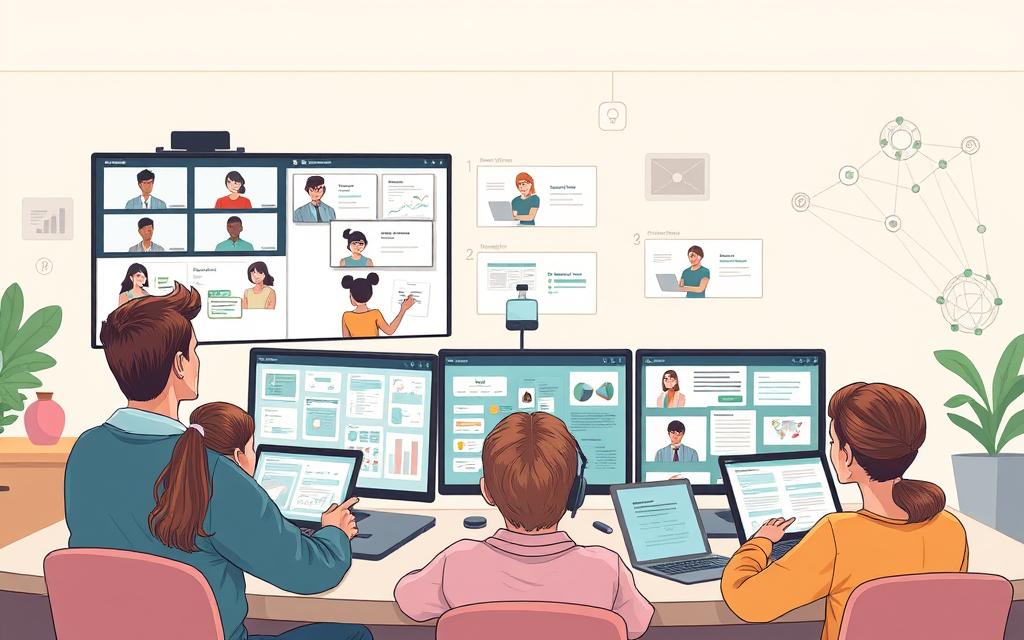
Technology has changed how students work together. It has broken down physical barriers and opened new ways for learning together. Digital platforms allow for real-time teamwork, preparing students for their future careers.
Online Collaboration Platforms
Today’s schools use powerful online tools for teamwork. These tools help students work together, no matter where they are. They learn important skills for the digital workplace.
Tools like Google Workspace and Microsoft Teams
Google Workspace and Microsoft Teams are top choices for teamwork. They offer tools for sharing documents, video calls, and editing together. Students can work on projects like presentations and spreadsheets while talking to each other.
Zoom is great for virtual classes and meetings. It ensures everyone can connect through video. These tools teach students how to communicate online and behave professionally.
Benefits for Group Projects
Online tools make group projects better in many ways:
- They allow real-time editing and keep track of changes.
- They help schedule meetings and share calendars.
- They provide safe ways to share files and store them.
- They help assign tasks and track progress.
These features help everyone contribute and learn important skills. Teachers can see who’s doing what and help when needed.
Global Connectivity and Cultural Exchange
Technology brings global education to students everywhere. It lets them connect with others worldwide, gaining new perspectives and understanding cultures better than usual classrooms.
Virtual Exchange Programmes
Virtual exchange programmes are new ways to learn globally. Platforms like Skype Classroom connect students for projects, presentations, and language practice. These include:
- Working on projects with international teams.
- Sharing cultures through presentations.
- Practicing languages with native speakers.
- Working on global problems together.
These experiences improve cross-cultural skills and broaden students’ views.
Building Digital Citizenship
Connecting globally teaches students to be good digital citizens. They learn how to behave online, use digital tools responsibly, and stay safe. They learn:
- How to communicate respectfully across cultures.
- How to check information online.
- How to use digital resources ethically.
- How to be responsible online.
These skills help students navigate the online world safely and effectively.
| Platform | Best Features | Ideal For | Cost Structure |
|---|---|---|---|
| Google Workspace | Real-time collaboration, cloud storage | Document-based projects | Free for education |
| Microsoft Teams | Integrated Office apps, meeting recording | Large group coordination | Free and paid tiers |
| Zoom | High-quality video, breakout rooms | Virtual meetings | Free and paid plans |
| Skype | International calling, translation | Global connections | Free basic service |
Access to Resources and Digital Literacy
Technology has changed how we learn, making it easier to access educational materials. This digital shift gives students tools to learn more and improve their technical skills.
Open Educational Resources (OER)
OER has made learning more accessible. It offers free materials like textbooks and multimedia content. This helps both teachers and students without the cost.
Platforms like OER Commons and Project Gutenberg
Platforms like OER Commons and Project Gutenberg lead the OER movement. OER Commons has a vast library of educational materials. Project Gutenberg has over 60,000 free eBooks, mostly classics and historical texts.
These platforms show how technology makes learning easier. Students can dive deep into subjects without worrying about money.
Reducing Educational Costs
OER saves a lot of money. Textbooks can cost hundreds of pounds a year. But digital resources are free. This means schools can spend money on other important things.
This change helps students from all backgrounds. It makes quality education more affordable. It’s a big step towards fair learning opportunities thanks to technology.
Developing Essential Digital Skills
Technology also helps students learn important digital skills. These skills are more than just using a computer. They include critical thinking and digital communication.
Integrating Technology into Curriculum
When schools use technology in lessons, students learn by doing. They learn to use software, check information online, and create digital content. This prepares them for a digital world.
This approach helps students get ready for their future jobs. They learn to use tools they’ll need in their careers.
Preparing for the Future Workforce
Digital skills are key for the future job market. Employers want people who can use new technology and work online. Students who learn these skills early have an edge.
Students who learn digital skills in school do better in their first jobs. They need less training and can start making a difference right away.
Technology’s role in education is not just for now. It prepares students for their future careers. By giving them access to digital resources and teaching them digital skills, schools help them succeed for life.
Supporting Diverse Learning Needs
Technology is a game-changer in education, helping to level the playing field for all learners. It allows teachers to create lessons that meet different needs and abilities. This way, every student can fully engage in their learning journey.
Technology supports both visible and hidden learning differences. It helps students with physical disabilities and those with different learning styles. This means everyone can learn and show what they know in their own way.
Assistive Technologies
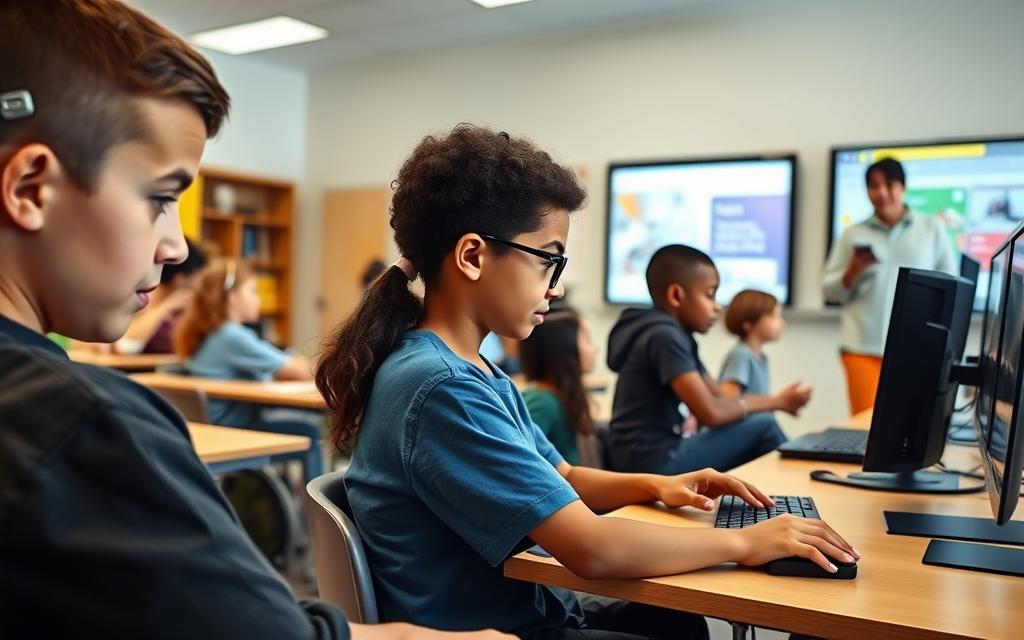
Assistive technology is a big step forward in making education accessible. These tools and software help students with disabilities to learn better. They make hard tasks easier by being cleverly designed.
Schools are now using these technologies in regular classrooms. This helps not just students with special needs but all learners. It makes learning better for everyone.
Tools for Students with Disabilities
There are many digital tools for students with disabilities. Screen readers help those who can’t see, and special input devices help with motor skills. These tools make learning fairer for everyone.
Today’s learning platforms often have built-in accessibility features. This means students don’t need special setups. The technology fits right into their usual learning space.
Examples: Text-to-Speech and Speech-to-Text Software
Text-to-speech software turns written text into spoken words. It helps students with reading or vision problems. Programs like NaturalReader and Read&Write offer clear audio and adjustable settings. This helps students understand better and reduces eye strain.
Speech-to-text apps let students write by speaking. Dragon NaturallySpeaking and Google’s Voice Typing turn speech into text accurately. These tools are great for students with dyslexia, dysgraphia, or physical writing challenges.
The table below compares popular assistive technologies and their primary benefits:
| Technology Type | Primary Function | Key Benefits | Ideal For |
|---|---|---|---|
| Text-to-Speech | Converts text to audio | Improves reading comprehension, supports visual impairments | Dyslexia, visual disabilities, reading challenges |
| Speech-to-Text | Converts speech to written text | Reduces writing barriers, supports expression | Dysgraphia, physical disabilities, writing difficulties |
| Screen Readers | Reads digital content aloud | Provides access to digital materials, supports navigation | Visual impairments, blindness, certain learning disabilities |
| Alternative Input Devices | Enables computer access | Customises interaction methods, improves accessibility | Motor impairments, physical disabilities, mobility challenges |
Inclusive Learning Environments
Technology is key to creating inclusive learning spaces. It lets teachers present information in many ways. This caters to different learning styles.
Classrooms that use technology well see more student participation. Digital resources can be easily adapted to meet student needs. This makes learning more engaging and supportive for everyone.
Addressing Learning Styles
Modern tech supports different learning styles through multimedia and interactive tools. Visual learners get a lot from graphics and videos. Auditory learners enjoy podcasts and audio explanations. Kinesthetic learners benefit from interactive simulations and hands-on activities.
Learning management systems now offer analytics to help teachers tailor support. This personalisation respects individual differences while keeping learning rigorous. It makes learning more effective for everyone.
Promoting Equity in Education
Technology helps make education fair by giving everyone equal access. Digital resources can be adjusted for different needs. This makes learning accessible for all.
Online platforms let students learn at their own pace. This is great for those who need more time or repetition. It makes success based on understanding, not speed.
When schools focus on accessibility and inclusivity, they show they value fairness. Every student should have the chance to show what they know. Technology makes this possible in a practical way.
Addressing Challenges and Considerations
Technology in schools brings many benefits, but it also comes with challenges. We need to tackle these issues to make sure technology helps everyone learn equally. It shouldn’t create new problems for students.
Digital Divide and Access Issues
The digital divide is a big problem in education. It’s the gap between those who have and don’t have access to digital tools. This gap stops some students from fully joining in with modern learning.
Socioeconomic Barriers
Students from poorer backgrounds often struggle to get online. They might not have the right devices or support at home. The flipped classroom model makes these issues even clearer.
This creates unfair disadvantages for some students. Schools need to understand that not everyone starts with the same opportunities.
Strategies for Bridging the Gap
There are ways to make sure everyone has access to technology:
- Device lending programmes in schools
- Partnerships with the community for internet access
- Technology centres open longer hours
- Offline options for digital tasks
These steps help make sure technology benefits all students, no matter their background.
Balancing Screen Time and Health
As technology grows in schools, worries about screen time and health grow too. Teachers must find a balance between digital and traditional learning.
Promoting Healthy Habits
Using technology in PE can be tricky. It might make students sit more and move less. Teachers need to mix technology with physical activities carefully.
Good strategies include the 20-20-20 rule, breaks for movement, and combining tech with hands-on tasks. These help students learn and stay healthy.
Ensuring Cybersecurity and Privacy
Keeping students safe online is more important than ever. Schools must protect them and teach them about online safety.
It’s important to use privacy settings that are right for their age, teach digital skills, and keep learning platforms safe. This creates a safe space for students to learn and explore.
Dealing with these challenges takes ongoing effort and change. But with the right approach, technology can improve learning for all students.
Conclusion
Technology has changed how students learn and interact with school materials. This summary shows how digital tools make learning personal, improve teamwork, and meet different learning needs. It makes classrooms more lively and welcoming for all students.
Brian Greenberg, CEO of Silicon Schools, said: “Education’s main goal is to empower the brain with knowledge. We teach students to think, learn, and critically evaluate situations.” Technology helps students develop these skills, not just pass on information.
The future of learning will keep changing with new tech. But, it’s important to use technology wisely. The best results come when tech supports good teaching, not replaces it. Teachers are key in this digital world.
When used right, technology and traditional teaching methods work well together. This creates great learning spaces. The main aim is to get students ready for a world that’s always changing. They need to think critically, adapt, and keep learning throughout their lives.
FAQ
How has technology historically evolved in education?
Educational technology has grown from simple tools like chalkboards and books to advanced digital systems. Computers, interactive whiteboards, and the internet have changed teaching and learning. Now, classrooms are filled with digital tools.
What is personalised learning and how does technology support it?
Personalised learning meets each student’s needs. Technology helps with this through tools like Khan Academy and Duolingo. These tools adjust learning based on how well a student is doing.
How does technology enhance student engagement?
Technology makes learning fun with interactive tools like Kahoot! and Classcraft. It also uses videos and virtual reality. This makes learning more exciting and engaging for students.
In what ways does technology facilitate collaboration among students?
Technology helps students work together online. Tools like Google Workspace and Microsoft Teams let students collaborate on projects from anywhere. This helps them learn teamwork and communication skills.
How does technology improve access to educational resources?
Technology makes learning materials available for free. Sites like OER Commons and Project Gutenberg offer quality educational resources. This helps reduce costs and makes learning accessible to more students.
Can technology support students with diverse learning needs?
Yes, technology helps students with disabilities by providing tools like text-to-speech software. It also supports different learning styles with multimedia and adaptive tools. This makes learning more inclusive.
What are some challenges associated with technology in education?
Challenges include the digital divide and concerns about too much screen time. There are also issues with cybersecurity and data privacy. It’s important to address these to ensure technology is used safely and fairly.
How does technology help develop digital literacy skills?
Technology is integrated into daily learning, helping students become proficient in digital skills. These skills are important for success in education and the workforce.
What role do teachers play in technology-enhanced learning?
Teachers guide and support students in technology-rich classrooms. They use data to tailor learning and ensure technology supports educational goals. They don’t just replace traditional methods.
How does technology prepare students for future careers?
Technology in education helps students develop skills like problem-solving and communication. These skills are valuable in today’s job market. It prepares them for careers in a technology-driven world.